

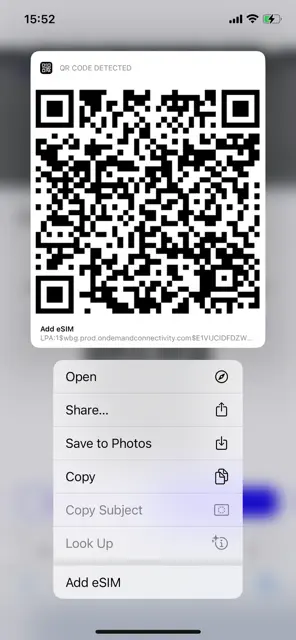
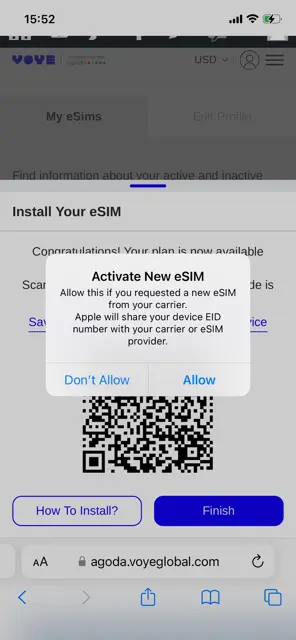
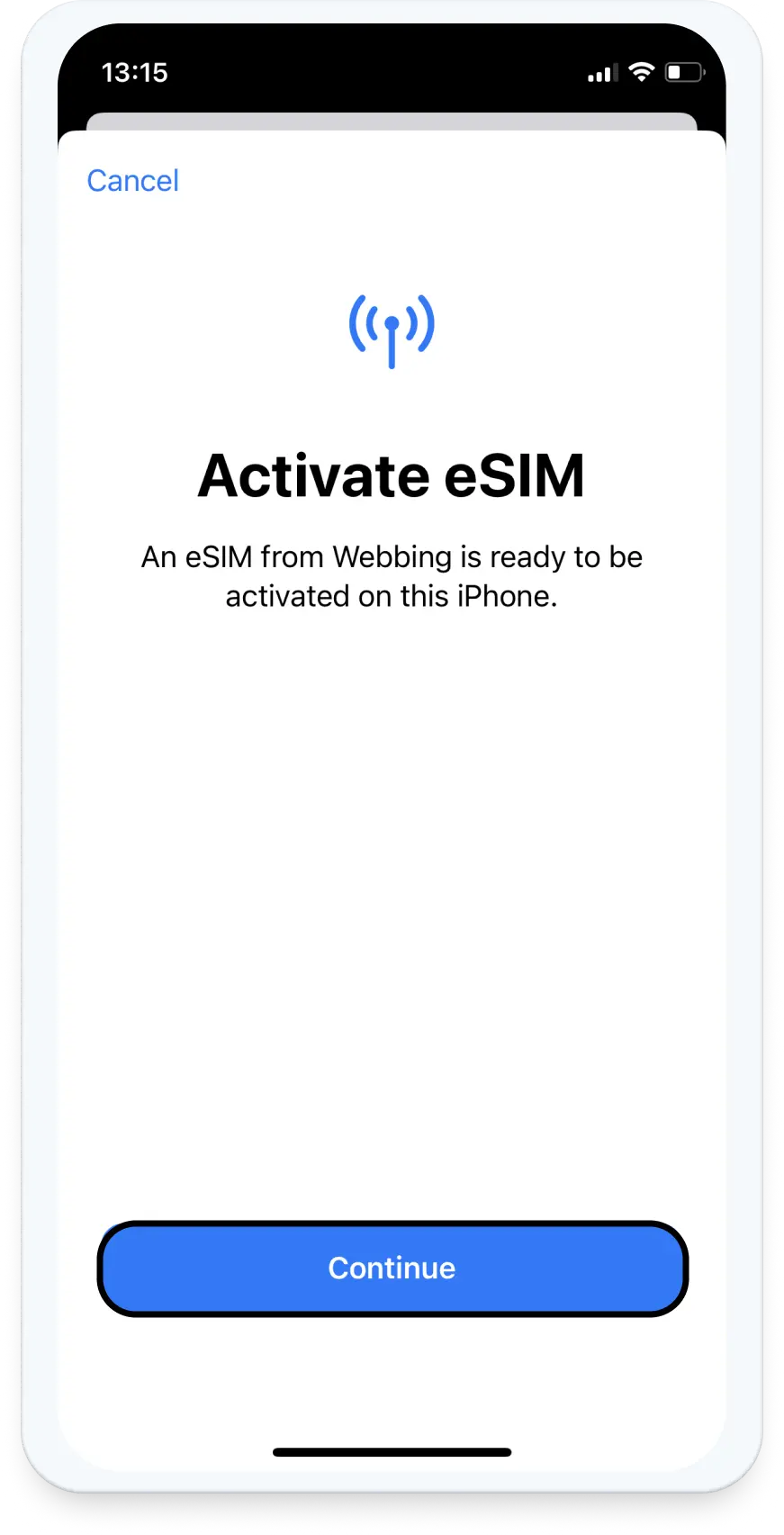
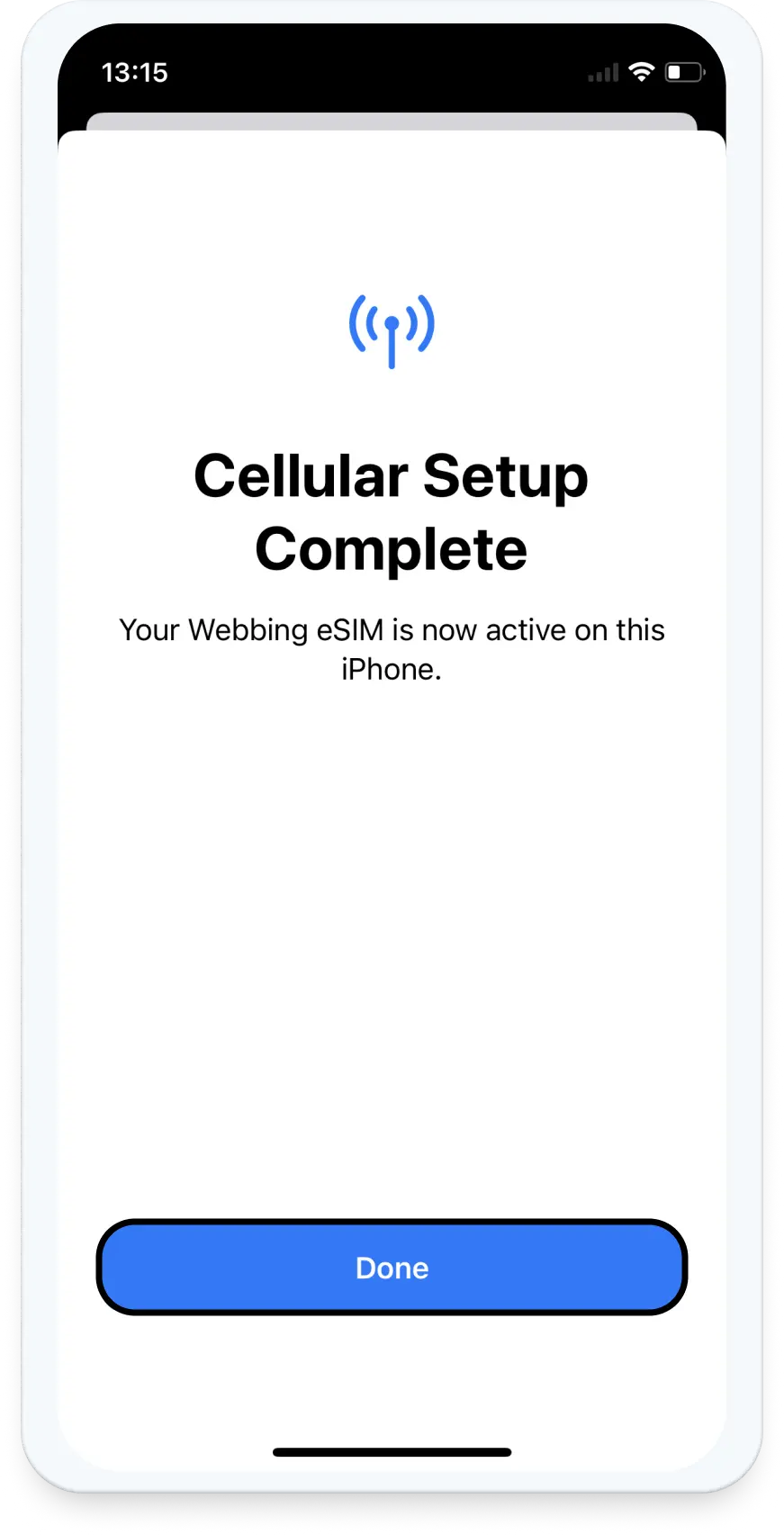
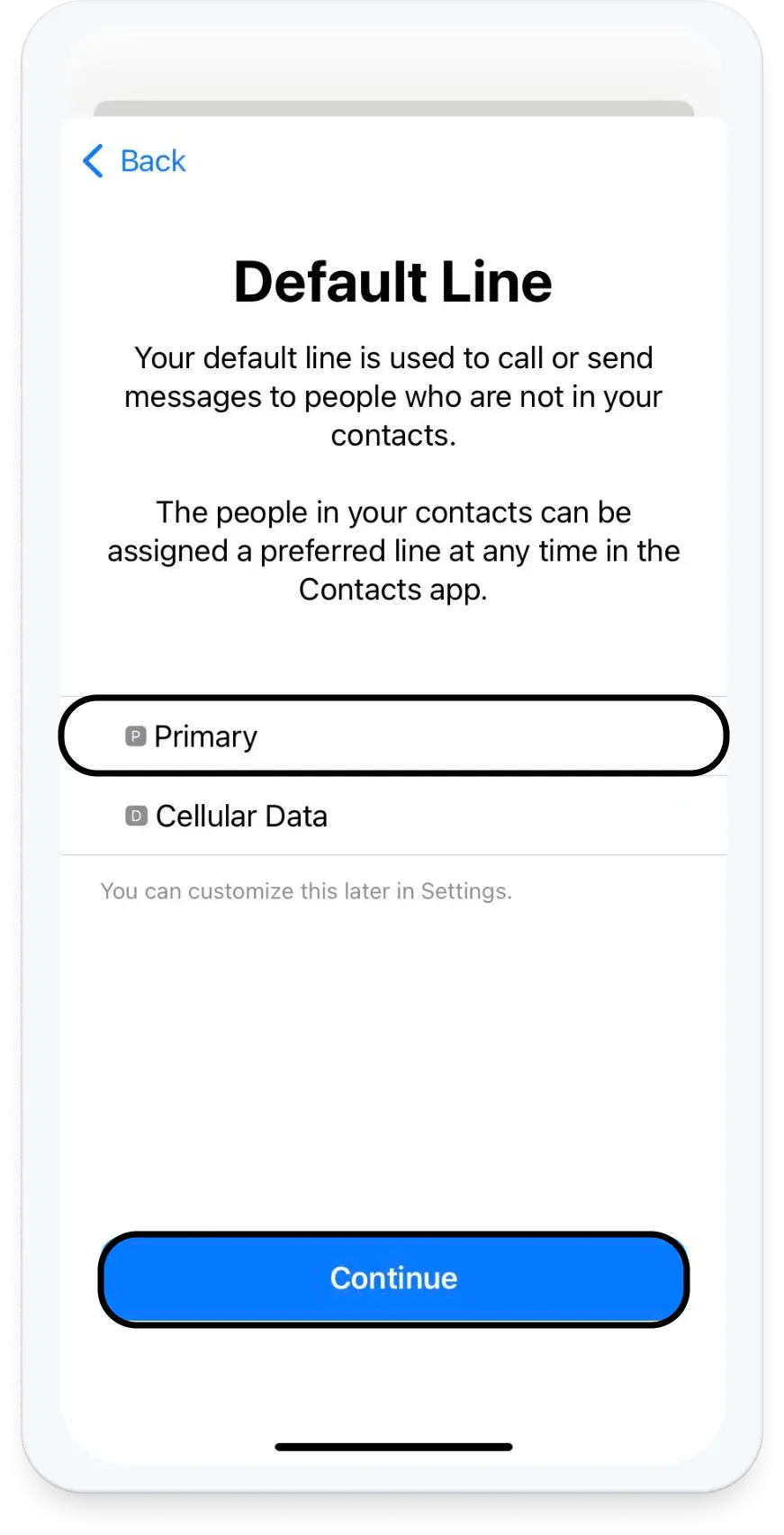
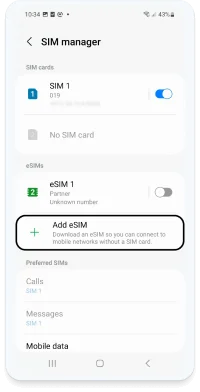
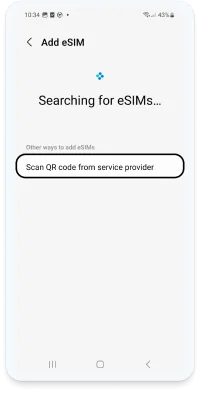
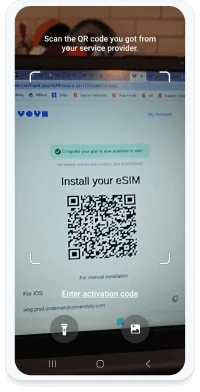
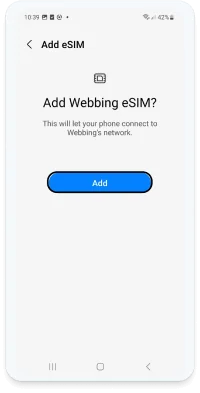
- To scan the QR code, it must be displayed on another screen or device. With iOS 17.4 or later, a second device isn’t needed—just follow the steps here.
- A stable internet connection is mandatory to successfully complete the process.
- The QR code can only be scanned once. It isn’t possible to transfer it to another device (even if you have purchased a new one).
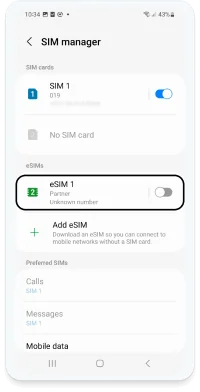
- Please do not remove the eSIM from your device as it cannot be used again afterward.
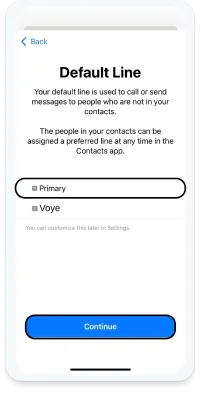
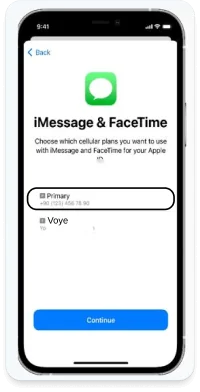
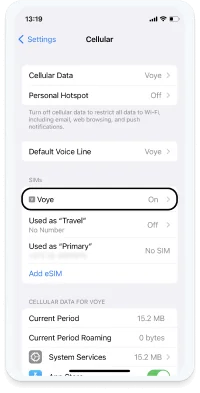
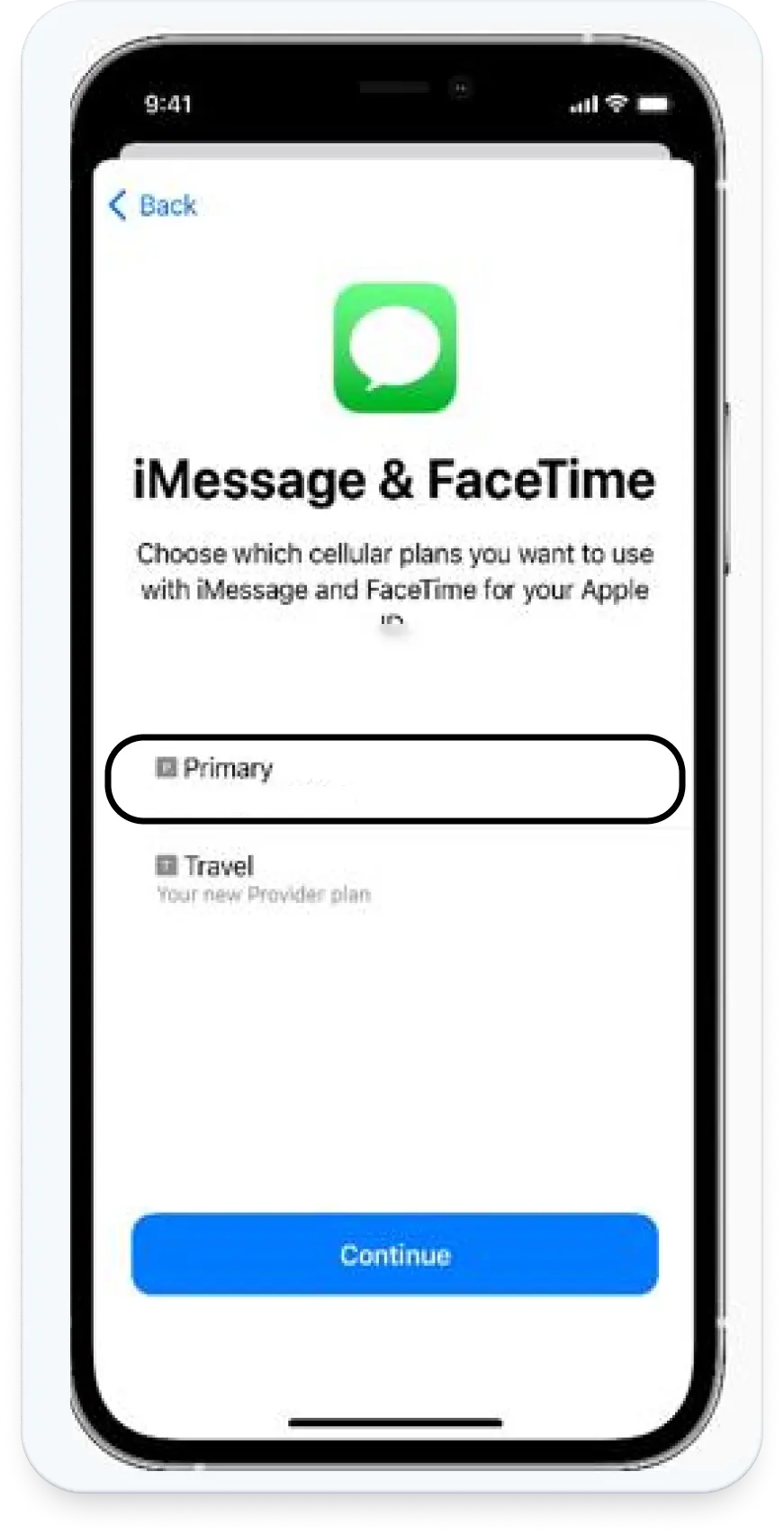
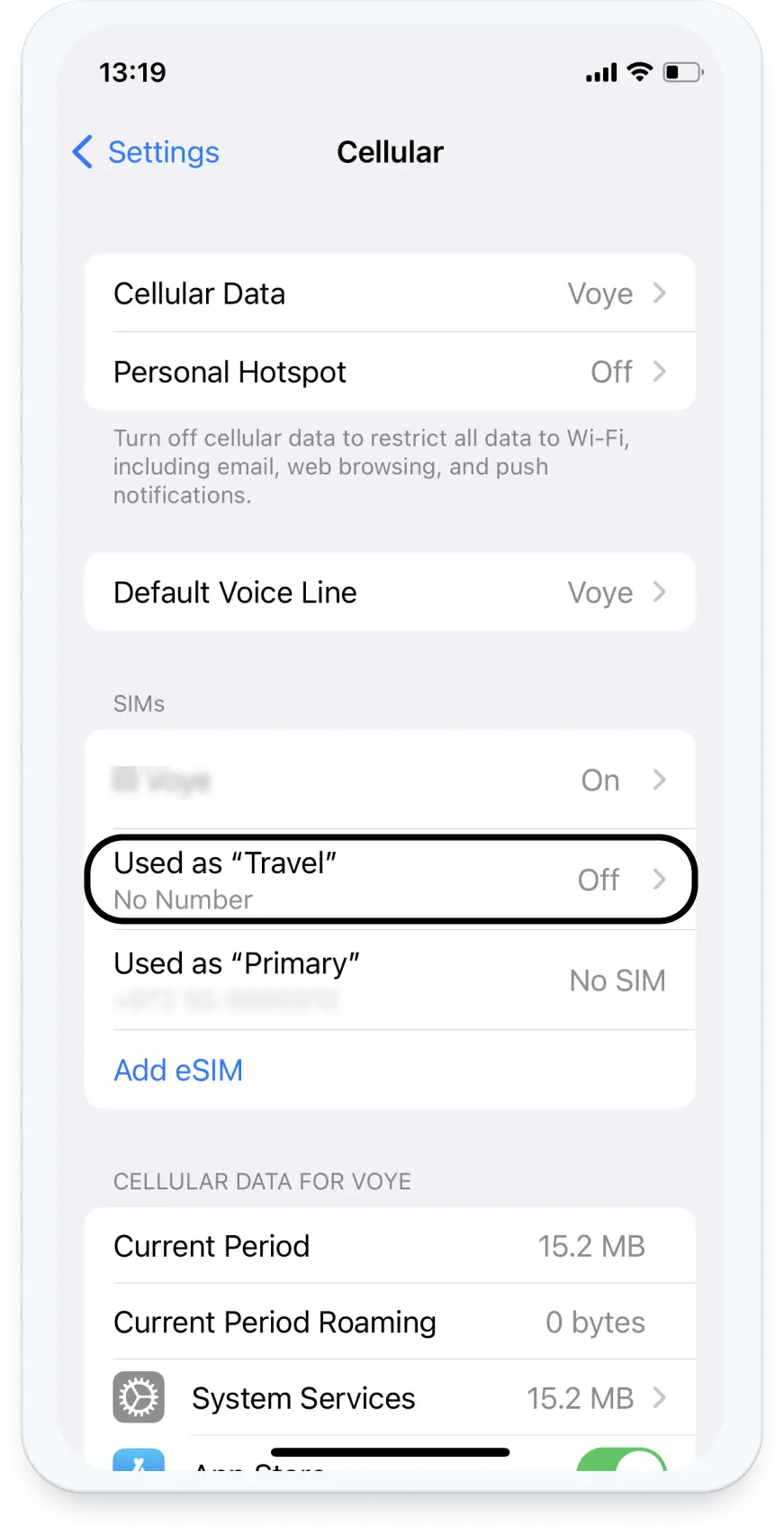
- We recommend you label your new eSIM as “VOYE” to avoid confusion.
- We also recommend checking out this article about Useful Tips for Correct Usage Abroad.
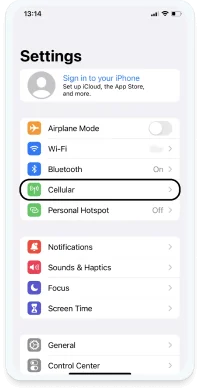

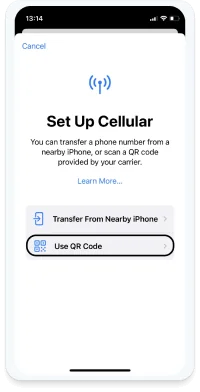
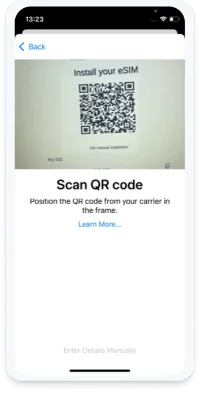
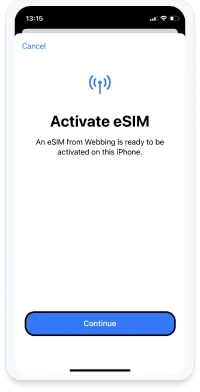
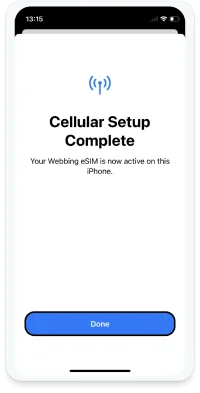
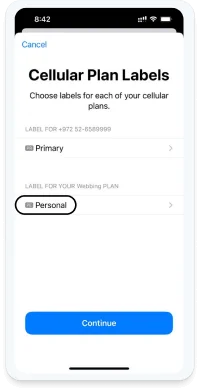
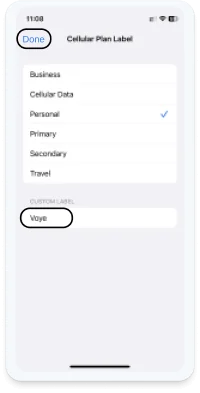
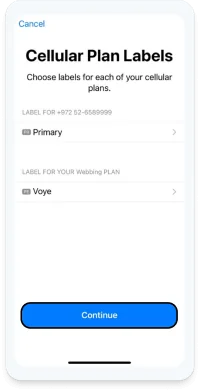
Loading
Your Device Is Supported!
Text congratulating you about your device support! And telling you that you can still check the list of supported devices if you want to see for your friends / family.




 English
  Español
  Deutsch
  Français
  العربية
  עברית
עברית  日本語
日本語  한국어
한국어  Polski
  Português
  Türkçe
  简体中文
简体中文  繁體中文
繁體中文