



What Does the “No SIM Card” Error Actually Mean?
When your phone shows this message, it means the device cannot detect or read the small chip that identifies you to your mobile carrier’s network. Without that connection, you lose calls, texts, and mobile data, even if WiFi still works fine.
The error can appear as “No SIM,” “No SIM Card Installed,” “Invalid SIM,” or “SIM Not Provisioned,” depending on your phone’s operating system and carrier. All of these point to the same underlying issue: a communication breakdown between your SIM (physical or embedded) and your phone’s modem.
Tired of SIM Card Headaches?
Switch to a digital eSIM and skip trays, damage, and carrier swaps for good.
Why Does My Phone Say No SIM? Common Causes Explained
There is rarely one single reason. The error usually comes down to a handful of physical, software, or network-related issues.
SIM Card Placement and Damage
A physical SIM card that has shifted out of place, has a scratched gold contact, or was inserted upside down will not be read correctly. Cheap SIM trays, drops, and exposure to moisture can also warp the tray or the card itself over time.
Carrier Network Glitches
Sometimes the problem is not your phone at all. Carriers occasionally push updates to their network provisioning systems, and a brief outage or misconfiguration on their end can make an active SIM appear invalid for a few minutes or hours.
Software Updates and Bugs
A recent iOS or Android update can reset network settings or introduce a bug that affects SIM recognition. This is a well-known trigger, and it explains why so many travelers ask Why does my phone say no SIM right after updating their device.
Airplane Mode or Manual Network Settings
If airplane mode was toggled at the wrong moment, or if your network selection was accidentally switched from automatic to manual, your phone may fail to reconnect to the correct carrier tower.
How Do I Fix No SIM Card Detected on My Phone?
Work through these steps in order. Most people resolve the issue within the first three.
Quick Restart Fixes
- Turn the phone off completely, wait 30 seconds, and power it back on
- Toggle airplane mode on for 15 seconds, then off again
- Check that automatic date and time settings are enabled, since a wrong clock can break network authentication
Reseat or Replace the SIM Tray
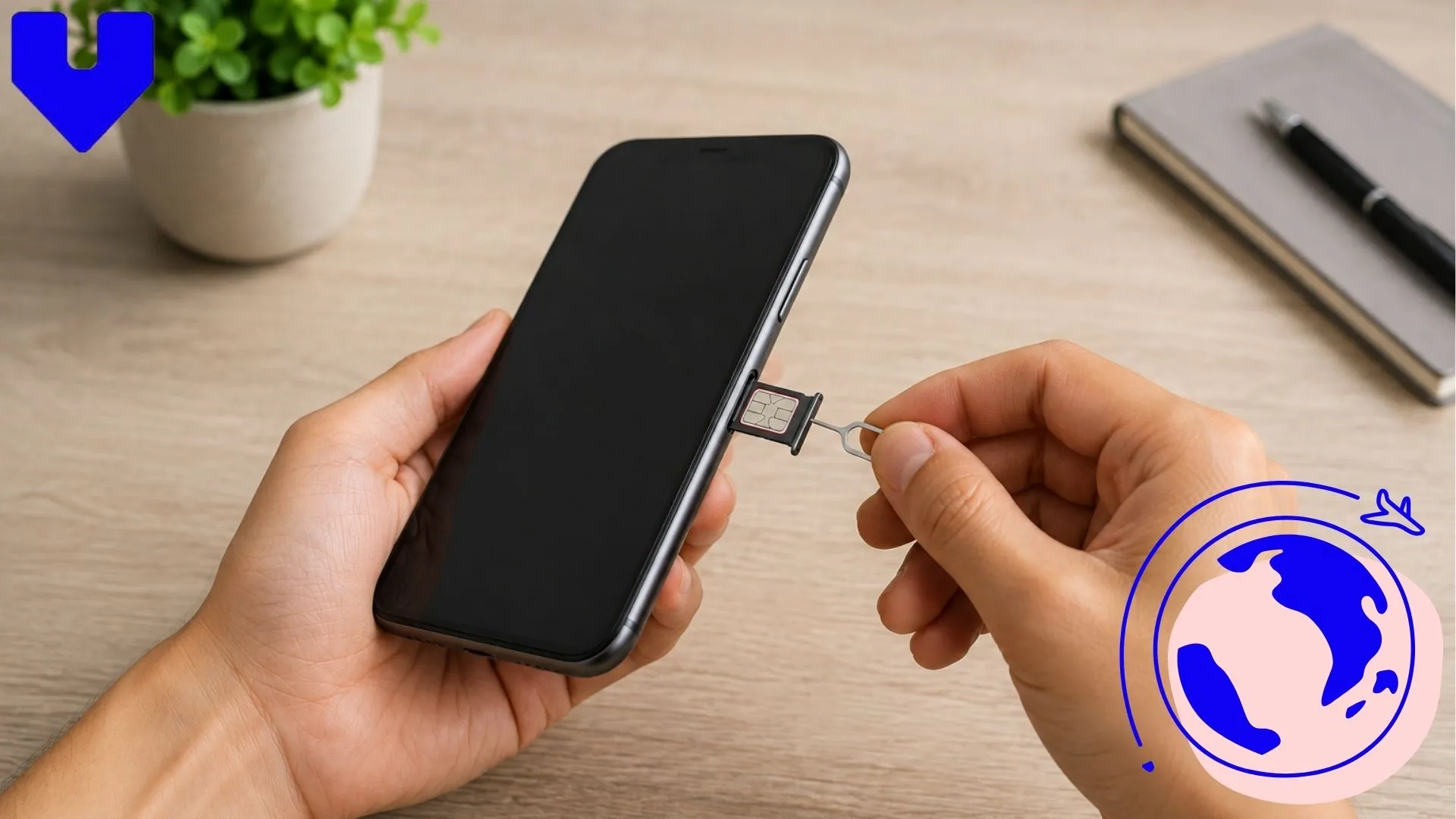
Power off the phone, eject the SIM tray with the included pin, wipe the gold contacts gently with a dry microfiber cloth, and reinsert it firmly. If the card looks bent, scratched, or cracked, visit your carrier for a free replacement rather than continuing to force it into place.
Traveling Soon? Stay Signal Ready
Activate a reliable eSIM plan before you land and avoid no SIM surprises abroad.
Reset Network Settings
On iPhone, go to Settings, General, Transfer or Reset iPhone, then Reset Network Settings. On Android, the path is usually Settings, System, Reset options, Reset WiFi, mobile, and Bluetooth. This clears saved network preferences without deleting your photos or apps.
Contact Your Carrier
If the SIM still is not detected, call your carrier’s support line from another phone. They can check whether the SIM is still active on their end and confirm it has not been deactivated, blocked, or ported to another device by mistake.
If you regularly experience no service or signal issues when a SIM card fails to register at all, the troubleshooting steps overlap closely with the no SIM error, so it is worth working through both guides together.
Why Does My Phone Keep Saying No SIM Card Even After Fixes?
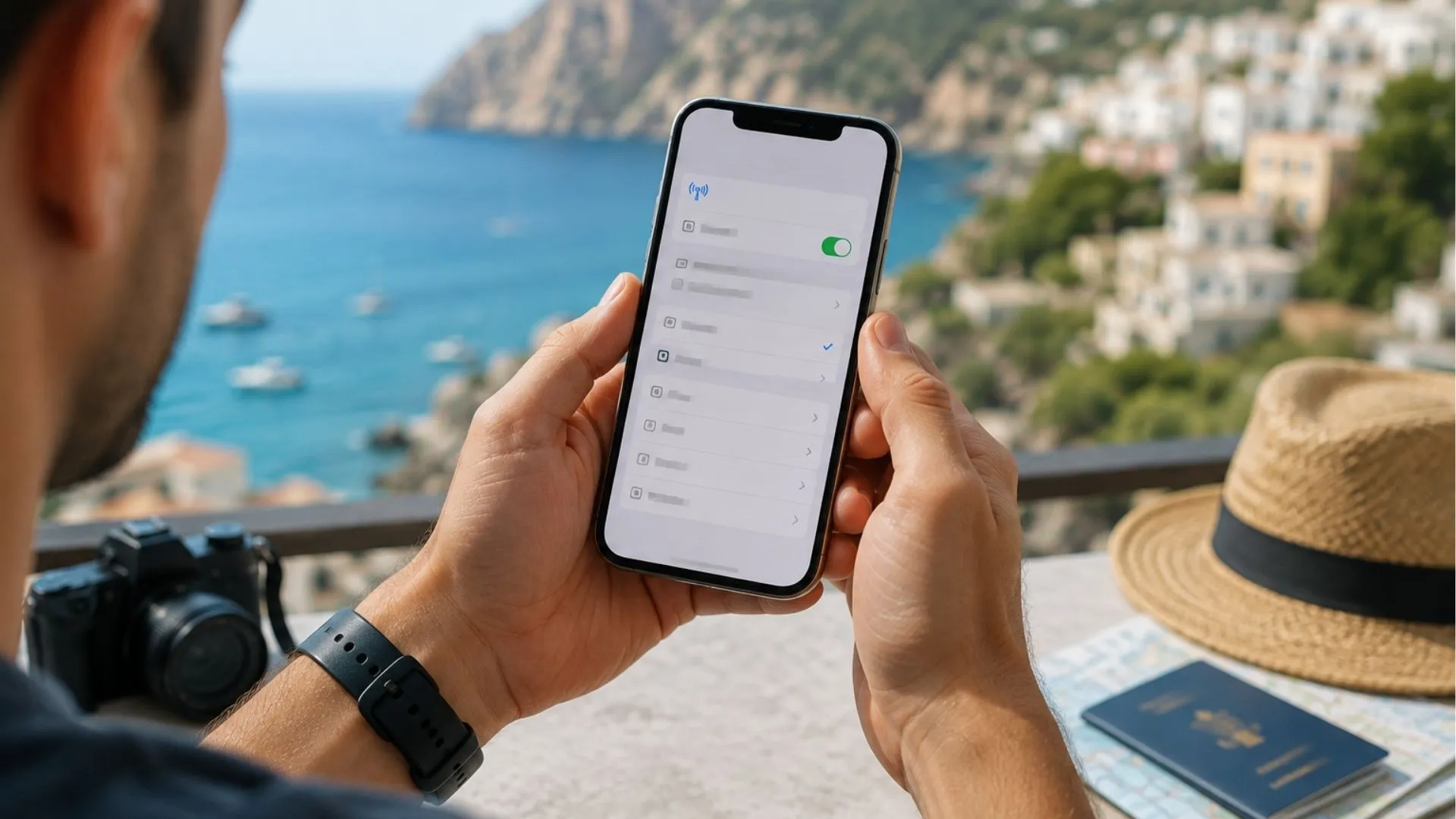
A traveler viewing their eSIM settings menu while abroad
If the error keeps returning after a restart or reset, the cause is likely more persistent. Common repeat offenders include:
- A worn-out or damaged SIM card tray connector inside the phone
- An account issue on the carrier’s side, such as an unpaid bill or an expired plan
- A SIM card nearing end of life, since the embedded chip inside a physical SIM can degrade after several years of heat, bending, and wear
- Water or dust damage to the phone’s internal antenna or SIM reader
Travelers switching SIMs frequently between countries face this more often, since repeated insertion and removal wears down the tray faster than normal daily use. If you are dealing with an eSIM that stopped working while abroad, the fix is usually a settings issue rather than hardware, which makes it faster to resolve than a physical SIM problem.
Is an eSIM a Smarter Fix for SIM Card Errors?
Because an eSIM is a digital profile built into your phone’s hardware rather than a removable card, it eliminates the physical failure points that cause most no SIM errors. There is no tray to bend, no gold contacts to scratch, and no card to lose while switching between countries.
If you travel often and want to avoid these headaches altogether, it helps to understand the differences between eSIM and nano SIM technology before your next trip. Voye Global’s eSIM plans activate digitally in minutes, work across 130+ countries, and remove the need to hunt for a local SIM card shop or worry about a damaged tray mid-trip.
For iPhone users specifically, it is worth learning how to check that your eSIM is properly activated before you leave home, so you are not troubleshooting from an unfamiliar airport. Android travelers dealing with connection drops should also review this guide on fixing eSIM no service issues on Android, since the causes and fixes differ slightly from iOS.
Ditch the Physical SIM Tray
Set up an eSIM in minutes and keep working, texting, and calling without interruption.
When Should You Worry the No SIM Error Means a Broken Phone?
In most cases, the no SIM error is a software glitch, a misaligned card, or a carrier hiccup, not a sign your phone is broken. However, a few warning signs suggest a deeper hardware issue:
- The error persists across multiple SIM cards from different carriers
- The phone shows physical damage near the SIM tray, such as bending or water exposure
- A repair technician confirms the SIM reader component itself has failed after testing
If you have ruled out software and carrier issues and the error still will not clear, a certified repair shop can test the internal SIM reader directly. It is also worth checking whether your device only ever shows SOS only errors instead of a full no SIM message, since that points to a slightly different, usually simpler, fix.
Most travelers never need to go that far. A quick restart, a clean SIM tray, or an updated network setting resolves the vast majority of cases within a few minutes.
Frequently Asked Questions
Even a correctly inserted SIM can fail to register if the gold contacts are dirty, the tray is loose, or a software glitch is blocking recognition. Restarting your phone or reseating the SIM card usually clears this without needing a replacement.
Restart your phone, toggle airplane mode, then reseat the SIM tray and check for damage. If the issue continues, reset your network settings or contact your carrier to confirm the SIM is still active on their system.
A sudden failure often points to a carrier-side issue, such as an account problem, an expired plan, or a network provisioning error, rather than the SIM card itself. It can also follow a software update that reset your phone’s network settings.
Yes, physical SIM cards can wear out over time from heat, bending, moisture, or repeated insertion and removal. Scratched gold contacts are the most common sign, and a carrier can usually issue a free replacement once wear is confirmed.
Operating system updates sometimes reset network settings or introduce temporary bugs affecting SIM recognition. Restarting the device or resetting network settings after an update usually restores the SIM connection within minutes.
Look for visible scratches, bends, or discoloration on the gold contact chip. If the card is inserted correctly but still fails across different phones, damage is likely, and your carrier can test or replace it.
Intermittent errors usually come from a loose SIM tray, a weak connection point inside the phone, or brief carrier network hiccups. Reseating the SIM firmly often resolves the inconsistency, though persistent cases may need a hardware check.
It can, but it is rare. If the error persists across multiple SIM cards and different carriers after all software fixes, the phone’s internal SIM reader may be faulty and should be tested by a certified repair technician.

Seamless Mobile Data Everywhere















 English