



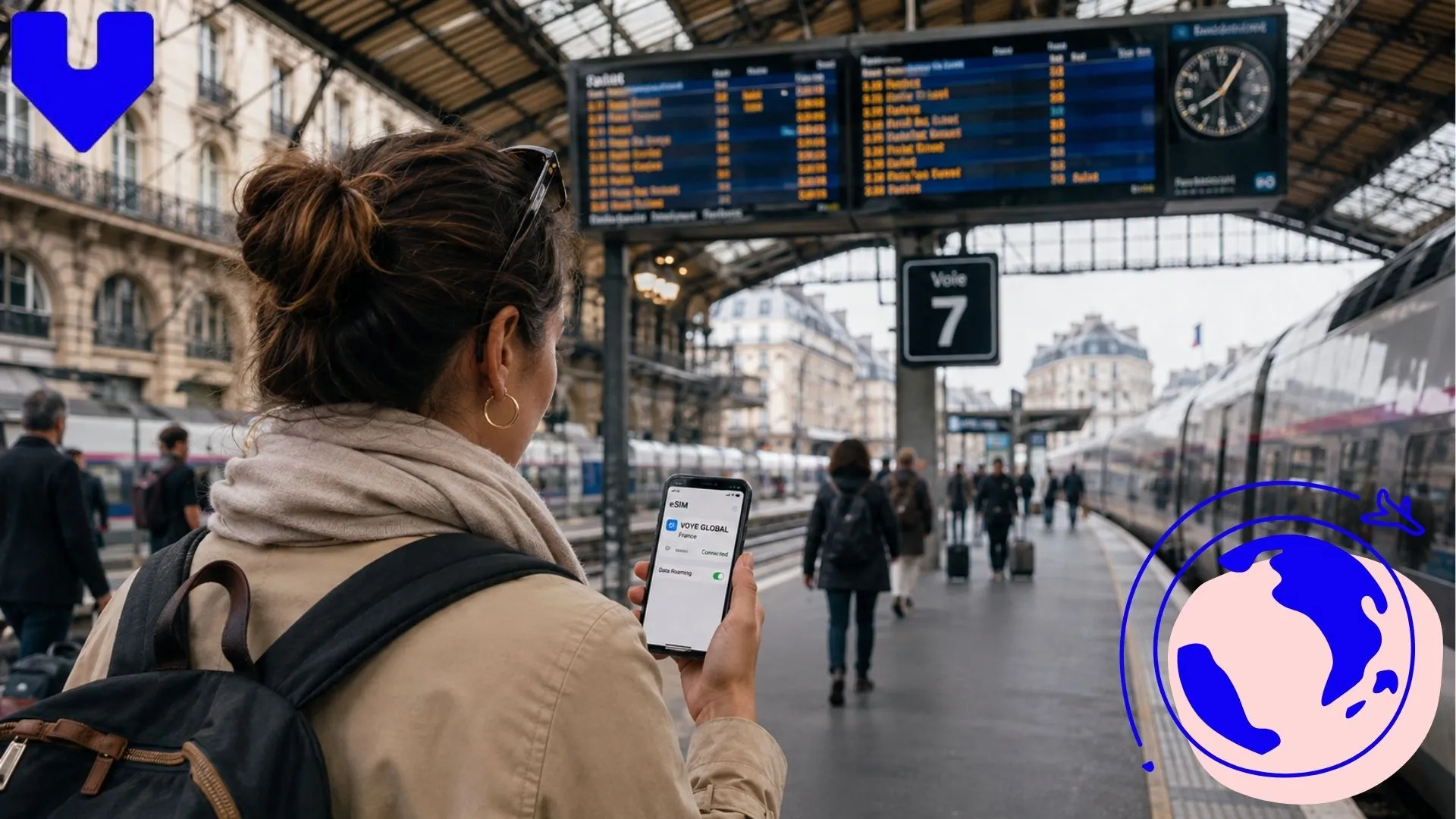
- Why Underground Connectivity Is Different in Paris
- How to Stay Connected in the Paris Métro Without Losing
- What Happens to Your Signal Inside French Train Tunnels
- eSIM vs Local SIM vs Public WiFi
- Practical Tips for Staying Online Between Stations
- Getting Set Up Before You Land
- Key Takeaways
- Frequently Asked Questions
Why Underground Connectivity Is Different in Paris
Paris has one of the oldest and deepest metro systems in Europe, and that history shows up in how well your phone performs down there. Many stations along Lines 1 through 14 sit far below street level, and older tunnel sections were never built with mobile antennas in mind. Add thick concrete, curved tunnel walls, and dozens of trains passing through at once, and you get a network that has to work much harder than it does above ground.
RATP, the operator of the Paris Métro, has installed WiFi and mobile coverage in a growing number of stations and even some tunnel stretches, but coverage is not uniform. Central, heavily used stations like Châtelet-Les Halles or Gare du Nord tend to have decent signal on the platforms. Older, quieter stations further from the center often do not, and the tunnels connecting them are usually dead zones no matter which carrier you use.
Never Lose Signal Underground Again
Get a France eSIM that reconnects fast after every Métro tunnel and stop
How to Stay Connected in the Paris Métro Without Losing Signal?
The short answer is that you will lose signal in tunnels no matter what plan you carry, because mobile networks generally cannot broadcast through solid rock and concrete without dedicated in-tunnel equipment. What separates a smooth ride from a frustrating one is how quickly your connection recovers once the train pulls back into a station, and how much you can do offline in the meantime.
A few habits make this easier:
- Download your route and station map before you head underground, so you are not relying on a live connection to figure out your next transfer.
- Save offline maps of the neighborhoods you are visiting through Google Maps or a similar app, since these still show streets and Métro entrances without data.
- Keep messages queued to send rather than waiting on a live chat, so texts go out the second you resurface.
- Avoid streaming or video calls while riding, since these apps struggle the most with the constant connect and disconnect cycle underground.
If you are using an eSIM, a digital SIM profile that runs on your phone without a physical card, from a provider like Voye Global, reconnection after a tunnel is usually fast because the network handshake is lighter than switching between roaming partners on a traditional SIM.
What Happens to Your Signal Inside French Train Tunnels?
Outside Paris, the picture changes again. France’s TGV network runs at up to 320 km/h between major cities, and a good stretch of that track passes through tunnels, cuttings, and rural areas with sparse tower coverage. On routes like Paris to Lyon or Paris to Marseille, it is normal to lose data for a minute or two at a time as the train moves between coverage zones, even with a strong local carrier.
SNCF, the national rail operator, has added WiFi to most TGV inOui trains, and it works reasonably well for browsing and email, though it can slow down when the carriage is full or the train enters a long tunnel. Regional TER trains and older Intercités services are less consistent, and some routes through mountainous regions like the Alps or Pyrenees have longer coverage gaps than you would expect on a flat train ride.
If you are heading beyond the capital, it is worth reading up on places to go in France beyond Paris so you know which legs of your trip are likely to have weaker signal, particularly if you are working from your laptop during the journey.
Land Connected at Charles de Gaulle
Activate your data plan before takeoff so Paris is online the moment you arrive
Check out our plans
-

France 3 Days Unlimited Data
USD 6.00 -
France 7 Days Unlimited Data
USD 13.00 -
France 10 Days Unlimited Data
USD 17.00 -
France 15 Days Unlimited Data
USD 23.00
eSIM vs Local SIM vs Public WiFi: What Actually Works Underground?
Each option handles the Métro’s stop-start signal differently, and it helps to know the trade-offs before you land at Charles de Gaulle or Orly.
| Option | Reconnects fast after tunnels? | Setup effort | Works the moment you land |
|---|---|---|---|
| eSIM data plan | Yes, generally quick | Install before you fly | Yes, if activated in advance |
| Physical local SIM | Yes, but depends on carrier | Requires a shop visit and passport | No, needs setup on arrival |
| Station and train WiFi | Only where installed | None | No, coverage is patchy |
| Home carrier roaming | Yes, but often expensive | None | Yes, but can cost far more per day |
An eSIM tends to be the most practical middle ground for visitors: it activates before you leave home, so you land already connected, and it avoids the roaming fees that make checking a single map query cost several dollars on some home plans. If you want a closer look at how this works specifically in the capital, the Best eSIM for Paris guide breaks down coverage and plan sizes in more detail.
Practical Tips for Staying Online Between Stations
A little planning goes further underground than any single app or plan. Consider these before your trip:
- Buy a rechargeable portable battery. Constantly searching for signal drains battery faster than normal use, and Métro stations rarely have charging points.
- Set your phone to airplane mode with WiFi on while riding stretches with no signal, to stop it from repeatedly searching and burning battery.
- Screenshot your hotel address and key Métro connections in French and English, since some station attendants and machines default to French only.
- Carry a paper Métro map as a backup. RATP still hands these out for free at ticket counters, and they work even when your phone is completely offline.
- If you are combining a city stay with day trips, check ahead which regional lines have known dead zones, especially anything heading toward smaller towns.
These same habits apply well beyond Paris. If your itinerary includes the south of France, the Nice, France itinerary guide has route-specific tips for coastal train travel, where tunnels along the Mediterranean coastline can create similar gaps in coverage.
Getting Set Up Before You Land
The most reliable fix for underground and tunnel dead zones is not a better carrier search; it is arriving with a connection that is already active. Installing an eSIM before your flight means you land at the airport, connect immediately, and spend your first Métro ride figuring out the city rather than fumbling with SIM trays or hunting for a phone shop with your passport in hand. Voye Global offers France- and Europe-wide data plans built for exactly this kind of trip, where you move between a dense city network and long stretches of countryside track in the same afternoon.
Cover Paris and Beyond in One Plan
One eSIM handles the Métro, TGV routes, and every French town in between
Key Takeaways
Paris Métro tunnels and French train routes will always have pockets where your signal drops; that is simply how underground and rural rail networks work almost everywhere. What matters is how you prepare for it: download offline maps, keep a paper backup, and arrive with a connection that reconnects quickly the moment you resurface. Getting this right turns an occasional dead zone into a minor inconvenience instead of a travel headache.
Frequently Asked Questions
The easiest way to stay connected in the Paris Métro and around the city is with an eSIM data plan activated before you land, since it works instantly without a shop visit. Public WiFi in stations and cafes helps but coverage is inconsistent.
Yes, RATP offers free WiFi in many Métro stations, and the city runs free WiFi hotspots in parks and public buildings, but coverage is patchy underground and connection quality varies by location. It should not be your only plan for staying online.
Only if your home carrier includes free international roaming in France, which many plans do not. An eSIM data plan avoids surprise roaming fees entirely and gives you predictable data at a fixed cost for your trip.
Without a travel plan, roaming charges can run several dollars per megabyte on some carriers, adding up fast. A prepaid eSIM plan for France typically costs a fraction of that for several gigabytes of data covering your whole stay.
An eSIM is usually more convenient since you can activate it before you fly and skip finding a phone shop with your passport. A physical SIM can be cheaper for very long stays, but setup takes longer once you land.
You can rely on free WiFi in Métro stations, cafes, and hotels, or rent a pocket WiFi device at the airport. Neither is as reliable underground as an active data plan, so most travelers pair public WiFi with an eSIM for backup.
Yes, both carriers offer international roaming in France, but rates are often high unless you add a travel package beforehand. Many travelers find a local eSIM data plan cheaper and easier to manage for a short trip.
Buying an eSIM before you travel means you land already connected, which matters most in a city where Métro tunnels cut signal constantly. Buying on arrival works too, but you lose connectivity during the search for a shop and setup.

Seamless Mobile Data Everywhere















 English