



The Fastest Way to Check
The quickest test is sending a fresh message. If it stays stuck on one grey check mark for more than 24 hours while your internet connection is clearly working, that is the strongest early sign. Pair that with checking their profile photo and last seen status, since those usually vanish together when someone blocks you.
No single clue confirms a block on its own. WhatsApp intentionally keeps this ambiguous to protect user privacy, so you are always reading a pattern of behavior rather than a definitive flag.
Never Look Offline While Traveling
Stay reachable on WhatsApp abroad without losing signal at borders
What a Single Grey Check Mark Really Means?
Here is where a lot of confusion starts. On WhatsApp, one grey check mark means your message left your phone and reached WhatsApp’s server, but it has not yet been delivered to the recipient’s device. Two grey checks mean it was delivered, and two blue checks mean it was read (assuming read receipts are on).
A one check on whatsapp situation can simply mean the other person’s phone is off, they are in airplane mode, or they have no signal, which is common for travelers moving between countries or landing after a long flight. If the message never progresses past one check for days despite you knowing they are active online elsewhere, a block becomes more likely.
This is also worth knowing if you are the one traveling. If you rely on local SIM cards that lose signal at borders, your own messages might sit on one check for hours, and the person on the other end could wrongly assume you blocked them. Travelers using a Voye Global eSIM avoid this specific problem because the data connection stays active across borders without swapping SIM cards or losing signal during transit.
Six Signs You Have Been Blocked
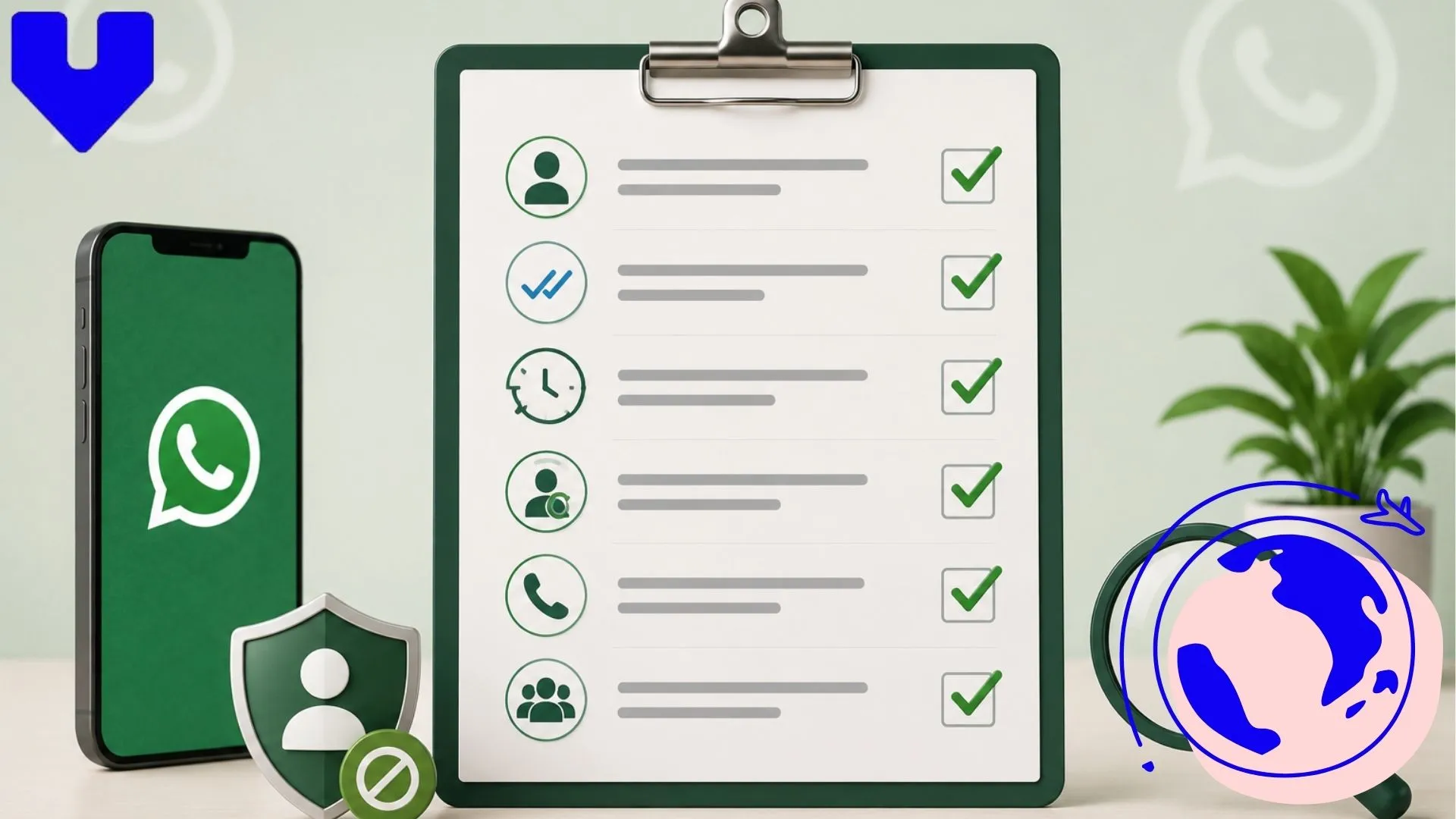
When people search how do you know if someone blocked you on whatsapp, these are the six checks worth running together. No single one is conclusive, but three or more happening at once is a strong indicator.
- Profile photo is gone. If their photo used to show and now appears as a blank grey silhouette, that is one of the clearest signs.
- Last seen and online status disappear. You can no longer see when they were last active, even if you could before.
- Messages stay on one grey check permanently. Not for an hour, but for days, with no progression to delivered or read.
- Voice and video calls fail to connect. The call attempts but never actually rings on their end.
- You cannot add them to a group. WhatsApp will show an error saying the participant could not be added.
- Status updates stop appearing. If you used to see their story-style status updates and they vanish entirely, that lines up with a block.
Stop Guessing About Your Signal
Get reliable mobile data in 130+ countries so messages always deliver
How to Confirm Without Guessing?
Since WhatsApp will not confirm anything directly, the most reliable method is comparing what you see in your chat with what a mutual contact sees. Ask a friend who is still in the person’s contact list to check the same profile. If they can see a current photo, active last seen, and can call without issue while you cannot, that is about as close to certain as you can get.
Another option is creating a new WhatsApp group and trying to add the person. If WhatsApp returns an error saying they cannot be added because of their privacy settings, and you know your account is not restricted elsewhere, a block is very likely, though it is worth noting this same error can occasionally appear due to the person’s own group privacy settings, not necessarily a block against you specifically.
Blocked or Just Offline? How to Tell the Difference?
This is where most people go wrong. A person who is genuinely offline, perhaps mid-flight or in an area with poor coverage, will show the exact same one grey check mark you would see if blocked. The difference shows up over time.
- Offline: the check mark eventually progresses to delivered and read once they reconnect, sometimes hours or even a day later.
- Blocked: the check mark never progresses, no matter how long you wait, and their profile photo stays hidden the entire time.
If you know the person is traveling internationally, give it more time before assuming a block. Many travelers turn off mobile data to avoid roaming charges and only reconnect once they land somewhere with WiFi or activate a local data plan. This is a common gap that trips like Southeast Asia backpacking routes or long connecting flights can create for entirely innocent reasons.
What Happens on Your End After Being Blocked?
Once someone blocks you, your messages will continue to send from your side but will never actually arrive on their phone. They are not stored anywhere for later delivery either, they simply never reach the other device. Voice calls will show as connecting for a moment and then just stop, without ever ringing.
You can still technically type and hit send since WhatsApp does not stop you from typing to a blocked contact, but nothing will get through. If you were previously in a group together, you will usually still see their name and old messages in that shared group, since group membership works separately from one-to-one blocking.
Fix Connectivity Before It Confuses Contacts
Activate instantly and keep every chat moving no matter where you land
Why WhatsApp Doesn’t Send a Blocked Notification?
WhatsApp designs its blocking feature around discretion. The whole point of blocking someone is to quietly remove contact without triggering confrontation, so an explicit “you have been blocked” alert would defeat that purpose. This is consistent with how most major messaging apps handle blocking, relying on indirect signals rather than direct notifications.
This is also why third-party apps or websites claiming to “detect WhatsApp blocks instantly” should be treated with caution. WhatsApp does not offer an official API for this, so any tool making that claim is either guessing based on the same signals covered above or, worse, asking for account access it should not have.
What to Do Next?
If you have checked all six signs and they consistently point to a block, the most respectful move is usually to accept it and move on rather than trying workarounds like messaging from a second number. If it turns out to be a connectivity issue instead, particularly with someone traveling abroad, patience usually resolves it within a day or two once they reconnect to data or WiFi.
For travelers, staying reachable is often the simpler problem to solve. Losing signal at a border or paying steep roaming fees can create exactly the kind of “stuck on one check mark” confusion this article covers. A Voye Global eSIM plan keeps your WhatsApp messages moving in over 130 countries, so the people waiting on your reply never have to wonder if something is wrong.
If messaging apps are eating into your data faster than expected while abroad, it helps to know how much data WhatsApp actually uses so you can plan your data plan size accordingly. And if you are troubleshooting connectivity issues more broadly while traveling, this eSIM troubleshooting checklist covers the basics before you assume the worst.
Frequently Asked Questions
Check for a missing profile photo, no last seen status, messages stuck on one grey check mark for days, failed calls, and errors adding them to a group. Together, these signs strongly suggest a block, though none alone confirms it.
Your messages leave your phone and show one grey check mark, but they never actually arrive on the blocked person’s device. WhatsApp does not queue them for later delivery, they simply stop at the server.
No, a blocked contact’s profile photo disappears and is replaced with a blank grey silhouette. If a photo that used to be visible suddenly vanishes, it is one of the clearest signs of a block.
Yes, once you are blocked, their last seen and online status stop showing entirely, even if they were previously visible. This is one of the six signals worth checking alongside your check marks.
The call will appear to connect briefly but will never actually ring on the other person’s phone. It typically ends after a few seconds without any indication of what happened.
You can type and hit send, but the message will never be delivered. It stays on one grey check mark indefinitely since WhatsApp does not stop you from attempting to message a blocked contact.
If the account was deleted, you will usually see an option showing their contact was deleted or their number is no longer registered. A block instead leaves the chat intact, just with no photo, last seen, or delivery.
Yes, group membership works separately from one-to-one blocking. You will still see their name and old messages in shared groups, and they can still see group messages too.

Seamless Mobile Data Everywhere















 English