



- Why Set Up Your Spain eSIM Before You Land
- Does Your Phone Support eSIM for Spain
- Set Up Your Spain eSIM on iPhone
- Set Up Your Spain eSIM on Android
- Activate the eSIM Before Departure or After Landing
- Choosing the Right Data Plan for Your Trip
- eSIM Better Than Roaming in Spain
- What If Your Spain eSIM Does Not Activate
- Final Checklist Before You Land in Spain
- Frequently Asked Questions
Why Set Up Your Spain eSIM Before You Land?
An eSIM (embedded SIM) is a digital SIM built into your phone, so there is no physical card to swap or lose. When you set up your Spain eSIM ahead of time, the plan sits ready on your device and switches on automatically once you land, or you can activate it manually the moment you touch down.
This matters for a few practical reasons:
- You keep your home number active for calls and texts while data runs on the Spain eSIM
- You avoid the airport SIM counter queue, which can run 20 to 30 minutes during peak arrival times
- You can share your live location with family, book a taxi, or pull up your hotel confirmation the moment you clear immigration
- You sidestep the shock of a roaming bill that can run several dollars per megabyte on some carriers
If you are still deciding between a physical card and a digital one, our breakdown of an eSIM versus a local SIM in Spain covers cost and convenience differences in more detail.
Does Your Phone Support eSIM for Spain?
Before anything else, confirm your phone can actually run an eSIM. Most phones released from 2019 onward support the technology, but region-locked or carrier-locked devices sometimes have it disabled.
Compatible devices generally include:
- iPhone XS, XR, and newer (not sold in mainland China)
- Google Pixel 3 and newer
- Samsung Galaxy S20 and newer, along with most recent Galaxy Z Fold and Flip models
- Many recent Huawei, Motorola, and Xiaomi flagship models
To check on an iPhone, go to Settings > General > About and scroll to “Available SIM.” If it lists an EID number, your phone supports eSIM. On Android, go to Settings > Network & Internet > SIM or Mobile Network and look for an option to “Add eSIM” or “Download a SIM instead.” If you do not see that option, your carrier may have it locked, and it is worth calling them before your trip rather than discovering the issue at the gate.
Stop Overpaying for Roaming Charges
Choose a fixed-price Spain data plan that matches your trip length
How Do You Set Up Your Spain eSIM on iPhone?
Once you have confirmed compatibility, setting up your Spain eSIM on iPhone takes about five minutes.
- Purchase your Spain eSIM plan and open the confirmation email or app
- Go to Settings > Cellular > Add eSIM
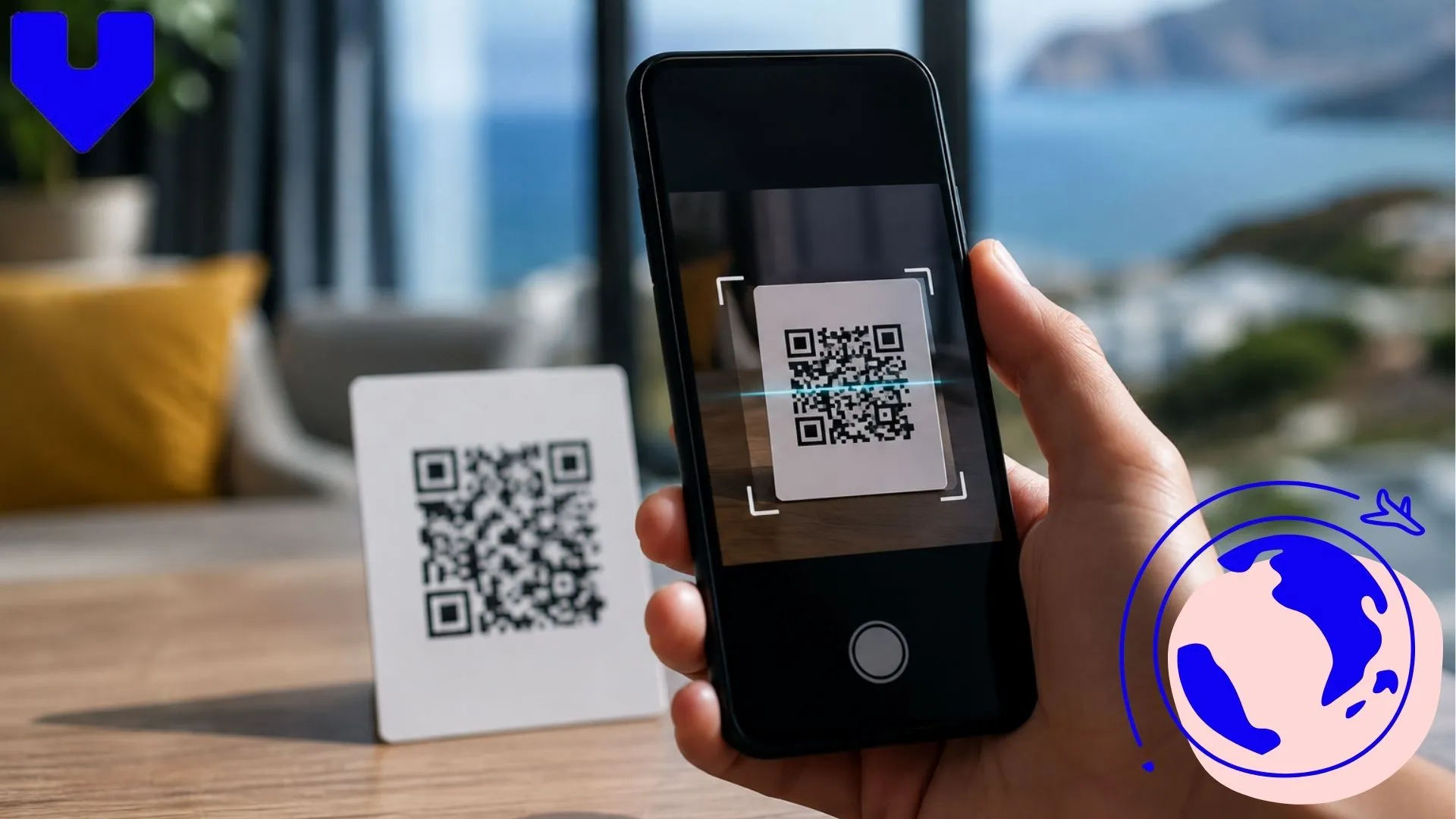
- Choose “Use QR Code” and scan the code provided, or select “Details” to enter the activation code manually
- Label the new line “Spain Data” so you can tell it apart from your home line
- Under Cellular, set your home line for calls and texts, and set the new eSIM as your default for cellular data
- Turn on Data Roaming for the eSIM line specifically, since this is what allows it to connect once you land
For a closer look at the activation screen and what each toggle does, our guide on how to activate eSIM on iPhone walks through it screen by screen.
How Do You Set Up Your Spain eSIM on Android?
Android setup follows a similar pattern, though menu names shift slightly between Samsung, Pixel, and other brands.
- Go to Settings > Connections (or Network & Internet) > SIM Manager
- Tap “Add eSIM” or “Download a SIM instead”
- Scan the QR code from your plan confirmation, or enter the activation details manually
- Wait for the network to confirm the profile, usually under a minute
- Rename the eSIM line something recognizable, like “Spain,” in your SIM settings
- Set mobile data to use the Spain eSIM and enable data roaming on that line
Some Android phones also need the correct APN (Access Point Name) entered manually if the profile does not auto-configure. Our guide to APN settings for eSIM covers what to enter and where, which is especially useful for Samsung, Pixel, and Xiaomi devices.
Check out our plans
-

Spain 7 days 6GB
USD 8.00 -
Spain 15 days 8GB
USD 9.00 -
Spain 15 Days Unlimited Data
USD 37.00 -
Spain 20 Days Unlimited Data
USD 46.00 -
Spain 30 days 15GB
USD 14.00 -
Spain 30 Days Unlimited Data
USD 54.00
Should You Activate the eSIM Before Departure or After Landing?
You can install the eSIM profile at any point once you buy it, but there is a difference between installing and activating.
- Install the profile at home over WiFi, since this step downloads the network settings and does not use your plan’s data
- Leave data roaming switched off until you land, so the plan does not start counting down while you are still on the plane or in transit
- Turn on data roaming for the Spain eSIM once you land, or the moment your flight touches down if you want connectivity walking off the jet bridge
This approach means your data allowance and validity period start exactly when you need them, not while your phone sat in your pocket during the flight. If you like to have everything locked in before departure, our step-by-step guide on how to activate an eSIM before your flight explains the timing in more depth.
Choosing the Right Data Plan for Your Trip
Spain has strong 4G and growing 5G coverage across Madrid, Barcelona, Valencia, Seville, and most coastal tourist areas. Rural stretches of Extremadura or inland Aragon can still have gaps, so it is worth checking coverage maps if your itinerary heads off the main cities.
How much data you need depends on your travel style:
- A short city trip of 4 to 7 days with regular maps and messaging use typically needs 3 to 5GB
- A two-week trip mixing cities and countryside, with some video calls or streaming, usually needs 8 to 15GB
- Digital nomads or longer stays working remotely from cafes and coworking spaces often do better with a plan offering 20GB or more, or an unlimited option
Voye Global offers Spain eSIM plans across these ranges, with instant activation and no fixed contract, so you can match the plan to the actual length of your trip instead of overpaying for data you will not use.
Is eSIM Better Than Roaming in Spain?
For most travelers, yes. Standard international roaming through your home carrier is priced per day or per megabyte and can add up fast, especially if you are streaming maps, uploading photos, or taking video calls. A prepaid Spain eSIM plan gives you a fixed data allowance for a fixed price, so you know the cost before you even land.
The trade-off is that roaming keeps your original number active for data too, while an eSIM typically runs data separately from your home line (your calls and texts still work as usual). For most trips, that separation is a minor adjustment, and the savings are worth it. If you are weighing this decision in more detail, the comparison in our eSIM versus local SIM Spain guide breaks down real cost scenarios.
Land in Spain Already Connected
Install your eSIM at home and switch it on the moment you arrive
What If Your Spain eSIM Does Not Activate?
Most activation issues come down to one of a few common causes, and they are usually quick fixes.
- No signal after landing: confirm data roaming is switched on for the eSIM line specifically, not just mobile data overall
- “No Service” showing on the eSIM: toggle Airplane Mode on and off, which forces the phone to re-search for a network
- Data not passing even with signal showing: manually enter the APN settings if the profile did not auto-configure
- QR code will not scan: use the manual entry option instead, which is provided alongside every QR code
If none of that resolves it, our full eSIM troubleshooting checklist and dedicated guide for eSIM not working abroad cover deeper fixes, including carrier-specific quirks.
Final Checklist Before You Land in Spain
Run through this before you board:
- Confirm your phone is unlocked and eSIM-compatible
- Buy your Spain eSIM plan and install the profile over WiFi at home
- Leave data roaming off until landing, then switch it on
- Set the eSIM as your default data line and keep your home line for calls and texts
- Save your activation QR code or details as a screenshot, in case you need to reinstall
Getting this right takes less time than waiting in an airport SIM line, and it means your maps, translation app, and ride-hailing apps all work from the moment you step off the plane.
Whether this is a quick city break or a longer stay working from Spanish cafes, browsing what Voye Global offers across 130+ countries is a good place to start planning your next destination’s connectivity too.
Frequently Asked Questions
Go to Settings > Cellular > Add eSIM, then scan the QR code from your plan or enter the details manually. Label the line, set it as your default for data, and turn on data roaming once you land in Spain.
Open Settings > SIM Manager, tap Add eSIM, and scan your QR code or enter the activation code. Rename the line, set it for mobile data, and enable roaming so it connects automatically after you land.
Yes, you can install the profile over WiFi at home whenever you like. Just keep data roaming switched off until you land, so your plan’s validity and data allowance start exactly when you need them.
For most travelers, yes. A Spain eSIM gives you a fixed price and data amount up front, while standard roaming charges can add up quickly per day or per megabyte with your home carrier.
Most phones from 2019 onward support eSIM, including iPhone XS and newer, and Samsung Galaxy S20 and newer. Check Settings under Cellular or SIM Manager for an “Add eSIM” option to confirm before you travel.
Pricing depends on data volume and trip length, with short-trip plans covering a few gigabytes and longer plans offering 15 to 20GB or more. Choosing a plan sized to your actual trip keeps costs predictable.
You need WiFi or data to download the eSIM profile itself, which is best done at home before you fly. Once installed, the profile connects to local networks in Spain without needing WiFi again.
Yes, your home number stays active for calls and texts on your primary line while the Spain eSIM handles data separately. This dual-line setup is one of the main advantages of using an eSIM while traveling.

Seamless Mobile Data Everywhere















 English